How Can We Help?
-
Team Members
-
Clients
-
Projects
-
Tasks
-
Leads
-
Estimates
-
Invoices
-
Expenses
-
Email
-
Subscriptions
-
Accepting Payments
-
Tickets & Knowledge Base
-
Settings
< All Topics
You are here:
Print
Client Settings
Created On
Updated
bybrian
The client settings page allows you to set the following:
- Allow Customer To Signup – If this is enabled, anyone will be able to register as a new client. Registration is done via the login page.
- Allow clients to login – If you disable this option, your clients will not have access to the CRM.
- Enable Shipping Address – Enable this if you want to collect and record your customer’s shipping addresses. Note that billing addresses are enabled by default.
- Disable all client email – If you disable this option, the CRM will not send any emails or notifications, to all your clients.
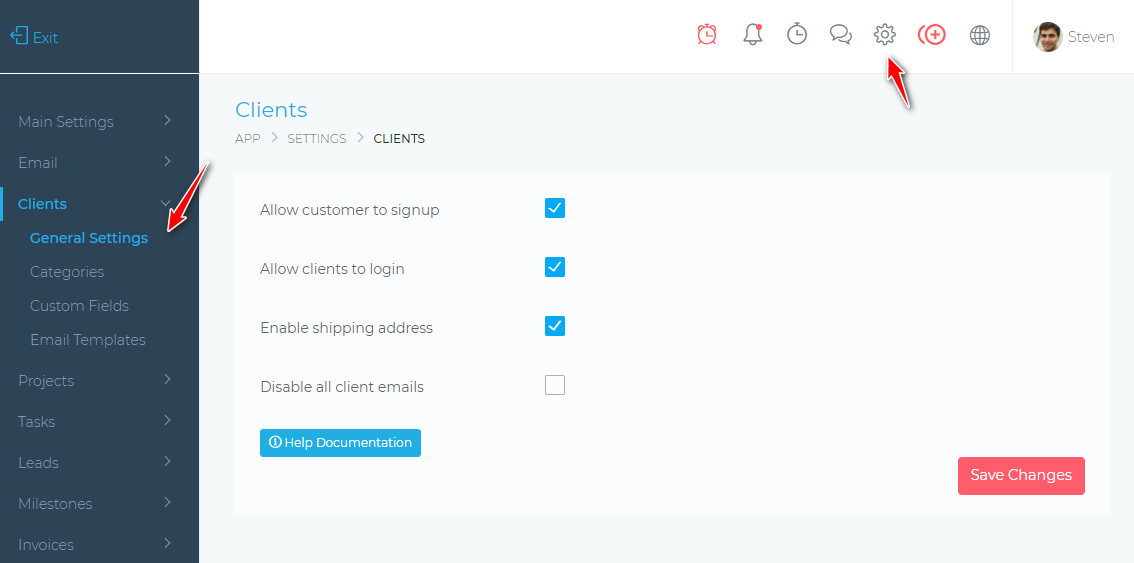
Table of Contents