How Can We Help?
-
Team Members
-
Clients
-
Projects
-
Tasks
-
Leads
-
Estimates
-
Invoices
-
Expenses
-
Email
-
Subscriptions
-
Accepting Payments
-
Tickets & Knowledge Base
-
Settings
< All Topics
You are here:
Print
Estimate Settings
Created On
Updated
bybrian
The estimate settings page allows you to change various aspects of how the Dashboard handles estimates. Below are the various settings and their explanations.
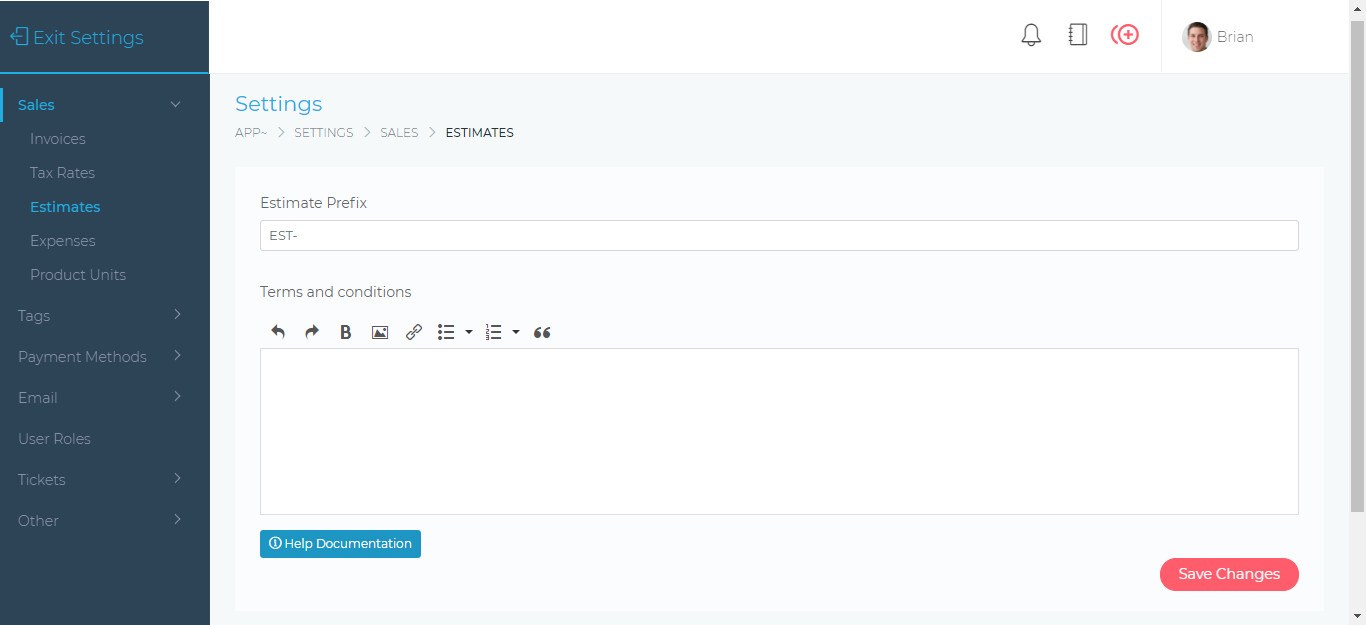
On this page you will be able to apply the following settings:
- Estimate Prefix. This is any text you want to be prefixed to the invoice number.
- Example EST- will create invoices as follows: EST-000276
- Terms and conditions – The default terms and conditions that are displayed on an estimate. These terms can also be changed when creating or editing an estimate.
Table of Contents