How Can We Help?
-
Team Members
-
Clients
-
Projects
-
Tasks
-
Leads
-
Estimates
-
Invoices
-
Expenses
-
Email
-
Subscriptions
-
Accepting Payments
-
Tickets & Knowledge Base
-
Settings
< All Topics
You are here:
Print
Expense Settings
Created On
Updated
bybrian
The expense settings page allows you to change various aspects of how the Dashboard handles expenses. Below are the various settings and their explanations.
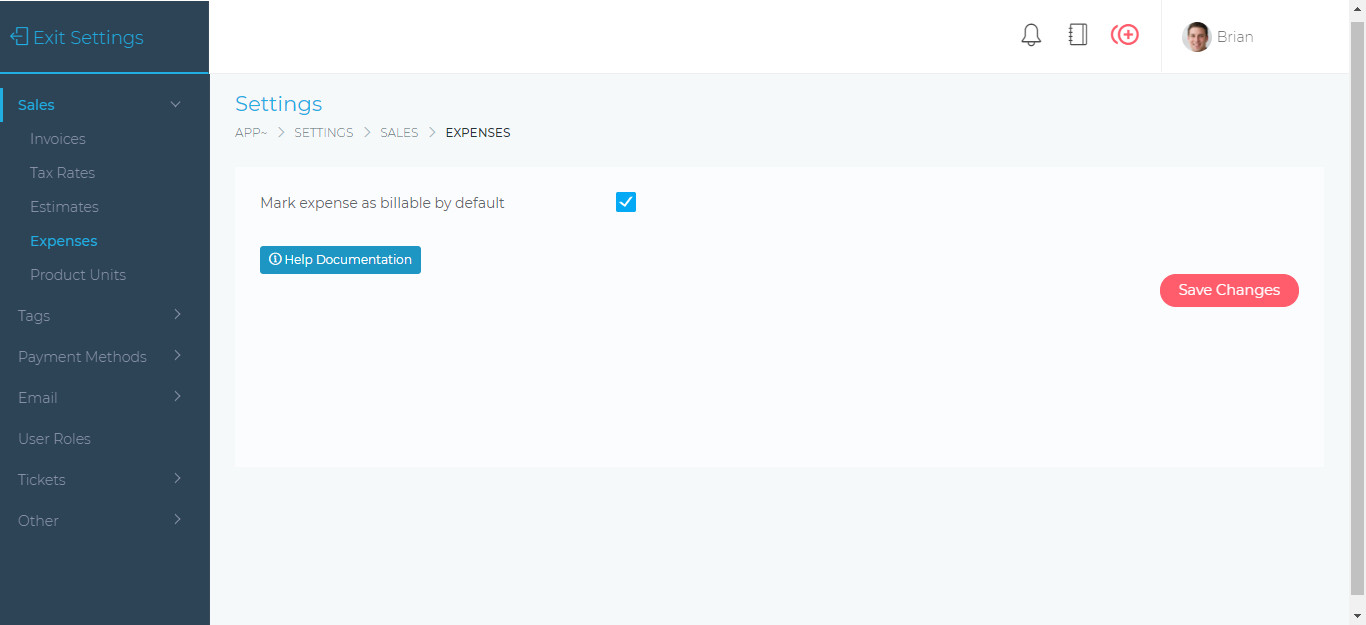
- Mark expense as billable by default – When enabled, every new expense that is being created will be marked as billable. This setting can be changed when creating a new expense.
Table of Contents